Chrome Extension
Run a one-click AI resume match on any job posting, right from a Chrome side panel. Works on LinkedIn, Indeed, Greenhouse, Lever, Workday, and Ashby.
- Chrome extension
- One-click match
- Browser
- AI
Linked to your account, synced everywhere
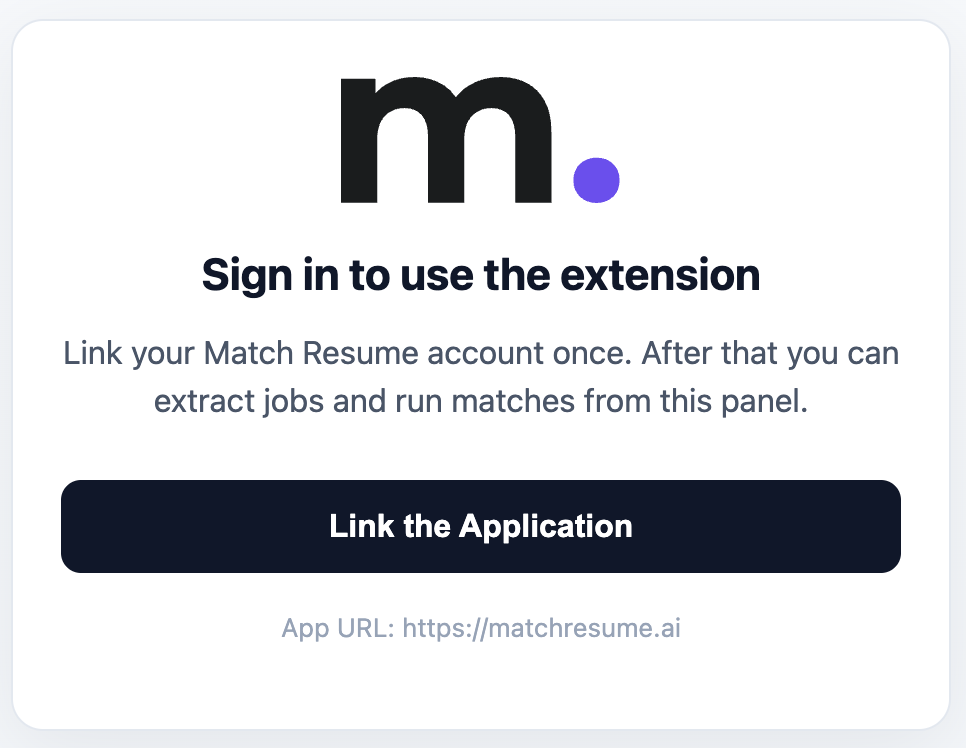
Start by linking the extension to your account—once, using a secure, expiring code, with no password ever stored in the browser. After that, your tokens, resumes, and match history stay in sync with the web app, tokens are refunded automatically if a match fails, and you can revoke any linked device anytime from Settings → Extension. Job pages are read only to extract the posting you choose to match.
How it works
Add the extension from the Chrome Web Store and link it to your account once with a secure code.
Browse to any role on a supported job board and open the Match Resume side panel.
Click Extract Job Posting—the extension reads the role and scores it against your resume in seconds.
Matching, where you already job hunt
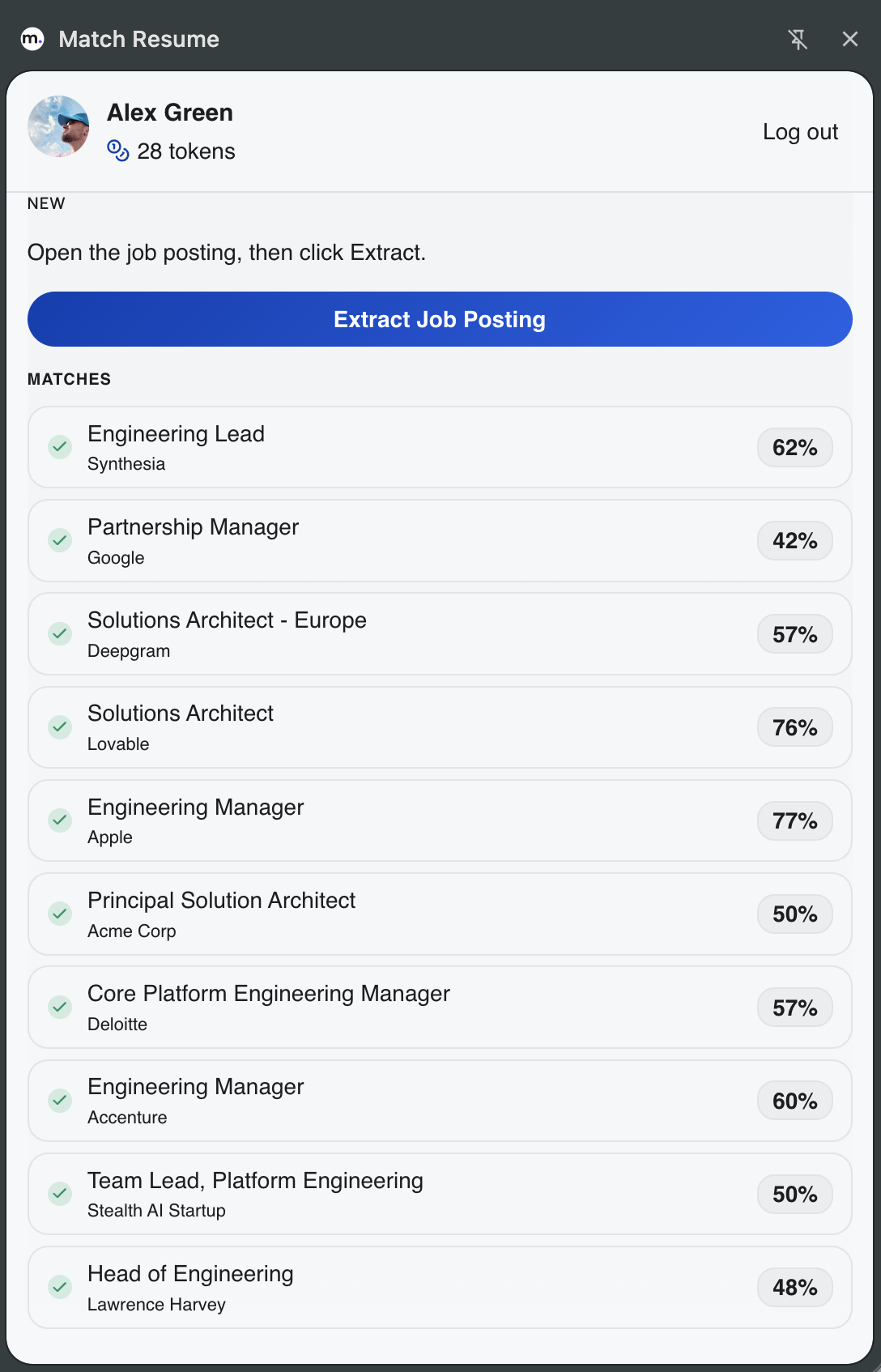
Until now, running a match meant leaving the job posting, copying the description into MatchResume.ai, and switching back. The Match Resume extension removes that round trip. On a posting you are reading, open the side panel and click Extract Job Posting—it reads the role and scores it against your resume, with no copy-paste and nothing to format. Your recent matches stay in the panel for quick access.
Supported job boards
The extension is built for the boards most postings live on, so the role is extracted cleanly every time:
Your full workspace, in the side panel
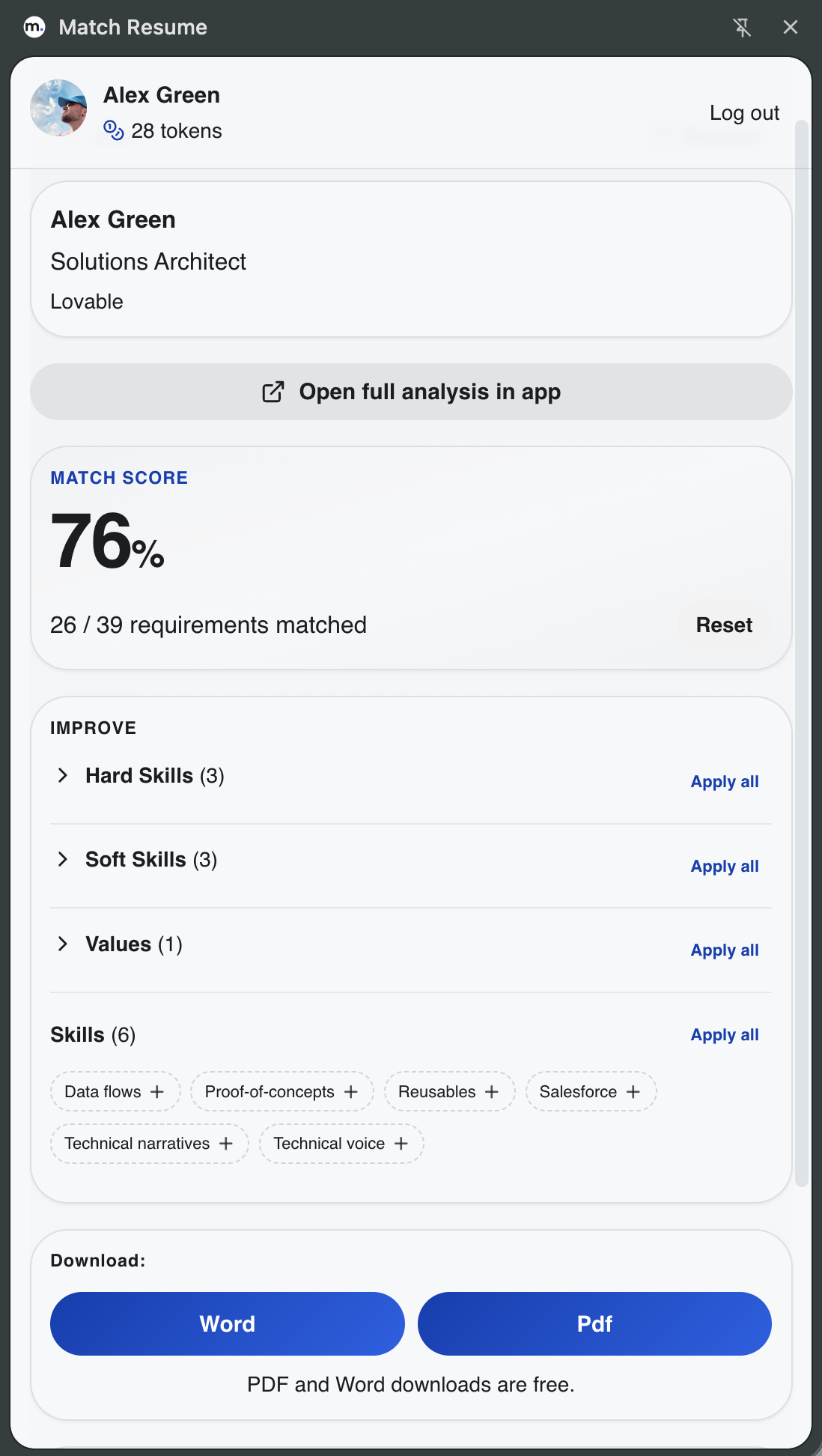
This is not a stripped-down preview. The panel carries the parts of the match workflow you actually act on:
- See your match score and exactly how many requirements you meet (for example, 26 of 39).
- Improve by category—hard skills, soft skills, and values—each with one-tap Apply all (or reset).
- Add missing skills to your resume straight from the suggested chips.
- Download the tailored resume as Word or PDF—free, ready to submit.
Get the extension
Install it free from the Chrome Web Store, link your account, and run your first match from the next posting you open.
Common questions
- What is the Match Resume Chrome extension?
- It is a free browser extension that runs a one-click AI resume match on the job posting you are viewing. Open the side panel on a supported job board and the extension extracts the role, matches it against your resume, and shows your match score, gap analysis, and tailored suggestions—using the same engine and tokens as the MatchResume.ai web app.
- Which job sites does the extension work on?
- It is built for LinkedIn, Indeed, Greenhouse, Lever, Workday, and Ashby, which cover most modern job postings. You can run a match from the side panel on any of these boards without copying the description by hand.
- Is the Chrome extension free to install?
- Yes. Installing the extension from the Chrome Web Store is free. Running an AI match consumes tokens from your MatchResume.ai balance, exactly like running a match in the web app.
- How do I connect the extension to my MatchResume.ai account?
- After installing, you link the extension to your account once using a secure, expiring code—no password is stored in the browser. From then on your resumes, tokens, and match history stay in sync. You can revoke any linked device anytime from Settings → Extension.
- Does the extension use tokens?
- Yes. Running a match from the extension spends tokens the same way the web app does, and tokens are refunded automatically if a match fails. Your balance is shared across the extension and the website.
- Can I export a tailored resume from the extension?
- Yes. From the side panel you can apply tailored suggestions to your resume, undo any change, and export the result as PDF or DOCX—ready to submit—without leaving the job posting.